The Heartbreak of a Ruined Screen: My Personal Nightmare
I remember the exact moment my stomach dropped. I was just trying to wipe a simple fingerprint off my brand-new OLED television. I grabbed a random paper towel and a generic glass spray from the kitchen cabinet. A few quick rubs later, I noticed a permanent smudge that refused to go away. I had completely ruined the delicate anti-reflective layer on a very expensive device. My heart sank, and I felt so incredibly foolish for not knowing better. Now, I make it my mission to help you avoid that exact same nightmare.
It is so frustrating to see an expensive gadget get ruined by a simple mistake. You work hard for your money, and you deserve to enjoy a flawless picture quality. We all want our living room centerpieces and gaming setups to look absolutely perfect.
But everyday life happens, and screens get dirty incredibly fast. Kids leave sticky fingerprints, pets shake dust everywhere, and sometimes we accidentally sneeze near the display. When you see those messy spots, your first instinct is to grab a wet wipe or a rough cloth. You might assume that any standard household cleaning spray will make the glass shine brilliantly.
The reality is that modern displays are incredibly fragile and highly sensitive. They are manufactured with microscopic chemical coatings designed to stop glare and reflection in bright rooms. These microscopic layers are thinner than a human hair and can be stripped away instantly by the wrong chemicals.
When you strip that coating away with household cleaners, the screen looks permanently cloudy. That cloudiness ruins your entire viewing experience, making dark cinematic scenes look washed out and terrible. It creates a constant distraction every time you turn the device on. You will find yourself staring at the smudge instead of enjoying your favorite movie.
I see so many people complaining online about cloudy patches on their expensive gaming monitors. They instantly blame the manufacturer for creating a faulty product. But the hard truth is usually a bad cleaning routine that slowly ate away the protective finish. Let us fix this problem together so you never have to worry about ruining your favorite tech again.
Smart, Science-Backed Methods to Keep Your Display Pristine
Taking care of high-end electronics does not require a degree in engineering. You simply need to understand the basic science behind how these beautiful panels are built. Once you know what materials interact poorly with the screen, avoiding damage becomes incredibly easy. Let us walk through some practical, highly effective strategies you can start using today.
Myth vs. Reality: The Truth About Household Cleaners
There is a massive misconception that window cleaners are perfectly safe for televisions. Many people think glass is just glass, regardless of where it is installed. This is a very dangerous myth that ruins thousands of electronics every single day.
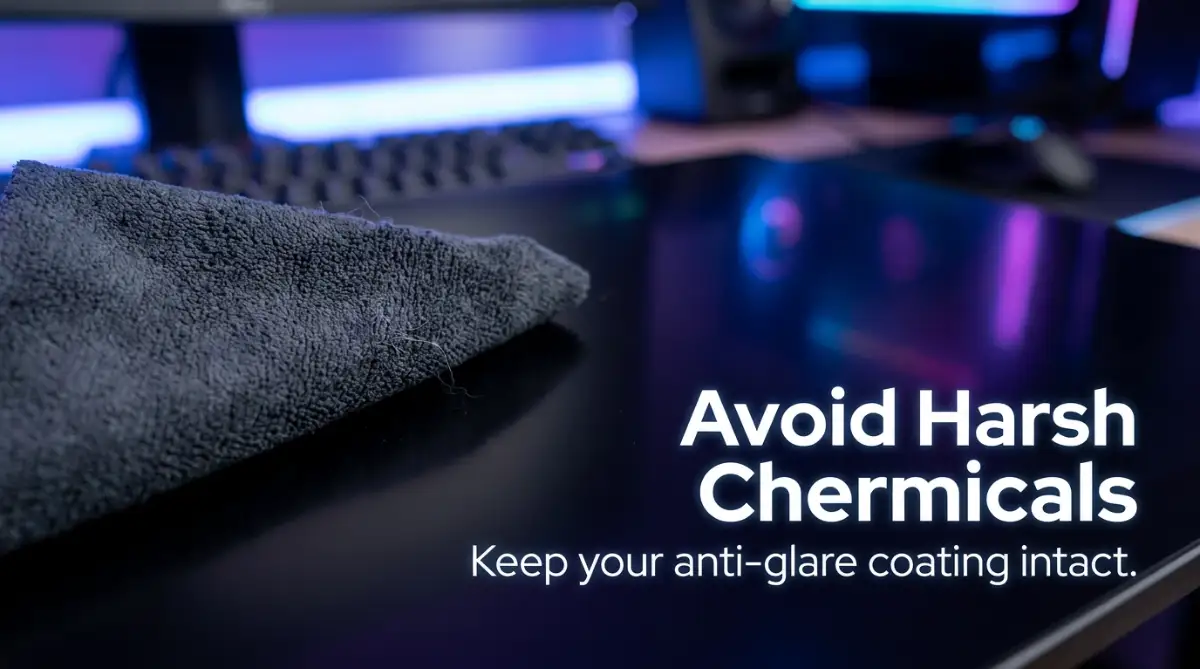
Standard window cleaners contain harsh ingredients like ammonia and heavy alcohols. These chemicals are highly effective at cutting through tough kitchen grease and bathroom grime. However, they aggressively eat through the delicate anti-reflective polymer layer on your television.
Once that chemical reaction happens, the damage is completely irreversible. You cannot simply wipe away an ammonia burn on a fragile screen. The only true solution at that point is replacing the entire panel, which costs almost as much as buying a new device. We need to completely banish these aggressive sprays from our tech maintenance routines.
Building Your Safe Cleaning Arsenal
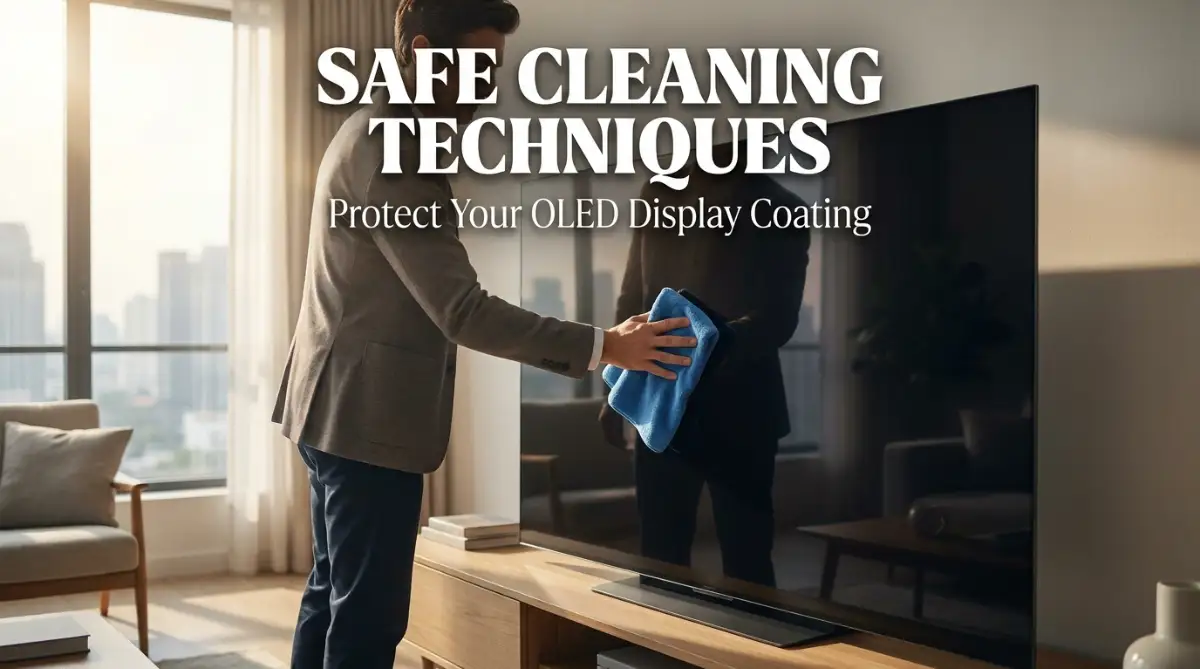
If you want a flawless display, you need to prepare the right tools before you touch the screen. You do not need to spend a lot of money to build a highly effective tech care kit. The most important tool you will ever own is a high-quality microfiber cloth.
Not all microfiber cloths are created equal, and this detail matters immensely. You want to look for cloths specifically labeled for optical lenses or delicate electronics. These specific cloths have tightly woven fibers that grab tiny dust particles without dragging them across the glass.
Never use paper towels, tissues, or old cotton t-shirts to wipe your expensive gadgets. Paper towels are actually made from rough wood pulp that acts like microscopic sandpaper. Every time you wipe with a paper towel, you are carving tiny invisible scratches into the beautiful glossy finish. Over time, these micro-scratches multiply and cause the display to look incredibly dull.
The Magic of Distilled Water
When a dry cloth is not enough to remove a sticky smudge, you need a safe liquid. You might be tempted to run to the kitchen sink and use regular tap water. Please stop and reconsider this common mistake immediately.
Tap water is filled with heavy minerals like calcium and magnesium that are invisible to the naked eye. When regular tap water evaporates off your television, it leaves those hard minerals behind. These leftover minerals create nasty white streaks that are incredibly difficult to remove safely.
Always keep a small spray bottle filled with pure distilled water for your electronics. Distilled water has been boiled into a vapor and condensed back into liquid, leaving all the hard minerals behind. It is the purest liquid you can use and will never leave a cloudy residue on your expensive tech.
I used to think wiping harder would remove tough stains faster, but I was wrong. My personal trick is to let the moisture sit for a few seconds to soften the dirt. I simply breathe softly on the smudge to create gentle condensation before wiping.
The Golden Rules of Wiping Motion
Having the right tools is only half the battle when protecting your sensitive electronics. The physical technique you use to wipe the glass is just as important as the cloth itself. Most people aggressively scrub in tight circles when they spot a dirty mark.
Scrubbing in circular motions is terrible because it traps dust particles and grinds them back into the screen. If there is a sharp grain of sand on the panel, a circular motion will drag it round and round. This creates highly visible swirl marks that catch the light perfectly during dark movie scenes.
Instead of circles, you should always wipe in broad, straight lines across the display. Start from the top corner and gently pull the cloth straight across to the other side. This gentle sweeping motion effectively pushes the dust off the edge rather than grinding it into the center.
Mastering the Pressure Game
The amount of physical pressure you apply is a massive factor in keeping your television safe. Modern panels are incredibly thin and flexible, completely unlike the thick glass tubes we used in the past. If you press too hard, you can easily damage the sensitive pixels sitting directly behind the glass.
Dead pixels look like tiny black dots and are a direct result of aggressive pressing. You should apply almost zero physical pressure when dusting your electronics. Let the thousands of tiny fibers in your cloth do the heavy lifting for you.
If a specific spot feels slightly sticky, do not increase your hand pressure to force it off. Simply dampen your premium cloth with a tiny drop of distilled water and try again. The moisture will safely break down the sticky residue without requiring you to push aggressively against the fragile panel.
Dealing With Unusually Stubborn Stains
Sometimes, you encounter a mess that regular distilled water simply cannot conquer. Perhaps a rogue splash of soda dried directly onto the middle of your gaming monitor. In these rare situations, you need a slightly stronger solution that remains totally safe for the coating.
You can create a highly effective custom mixture right in your own home. Mix a single drop of mild, unscented dish soap into a full cup of distilled water. The dish soap will safely cut through the sticky sugar without introducing harsh chemicals like ammonia.
Never Spray Directly on the Tech
This is an incredibly common mistake that ruins expensive devices constantly. You should never, under any circumstances, point a spray bottle directly at your television. Spraying liquid onto a vertical surface causes tiny droplets to quickly run down to the bottom edge.
At the bottom edge of your screen sits the highly sensitive bezel where all the complex wiring connects. If liquid seeps down into that lower frame, it will instantly short-circuit the internal electronics. A water-damaged connection board will completely destroy the picture, leaving you with a totally blank display.
Always spray your distilled water directly onto the microfiber cloth while standing away from the device. You only need a very small mist to get the job done properly. The cloth should feel slightly damp to the touch, never heavily soaked or dripping wet.
Setting a Regular Maintenance Schedule
Preventing heavy dirt buildup is the smartest way to protect your expensive gadgets over time. If you wait months to clean your television, the dust will settle deeply and become much harder to remove safely. A light dusting routine prevents sticky messes from forming in the first place.
Make it a simple habit to gently dry-wipe your displays once a week. This weekly routine will take you less than two minutes to complete. It completely eliminates the need for wet cleaning, significantly reducing any risk of accidental liquid damage.
Keeping a dedicated dry cloth near your entertainment center acts as a great physical reminder. When you notice a tiny speck of dust during a movie, you can quickly sweep it away during a commercial break. Consistent, gentle care is always better than aggressively scrubbing a heavily neglected display.
Understanding Your Specific Manufacturer Guidelines
Every tech brand uses slightly different materials when designing their premium devices. While the general safety rules apply to almost everything, it never hurts to double-check the manual. Some specific monitors might have extra sensitive layers that require extremely specialized care.
Take five minutes to look up the official care guide for your exact television model online. The manufacturer will usually list exactly what materials to avoid touching the panel with. This extra layer of knowledge gives you total confidence when handling your beautiful living room setup.
We invest so much of our hard-earned savings into creating the perfect home theater experience. Taking proper care of these devices ensures they remain stunning and vibrant for many years. You now hold the exact knowledge needed to keep your screens looking completely flawless every single day.
Remember, patience and gentle movements are your best friends in this process. Treat your electronics with the utmost respect, and they will consistently deliver the breathtaking visuals you deserve.
Expert-Level Strategies for Flawless OLED Displays
I want to share some incredibly effective methods that professional tech reviewers use to maintain their expensive studio monitors. Keeping your display spotless is not just about wiping the glass whenever it looks dirty. It is actually about managing your room environment to prevent dirt from settling in the first place. When you control your surrounding environment, you drastically reduce how often you need to touch the fragile screen.
One of the biggest hidden enemies of any modern television is static electricity. Whenever you turn on a massive electronic device, it generates a slight static charge across the front panel. This invisible electric field acts like a powerful magnet for pet hair, skin cells, and floating room dust. If you live in a very dry climate, this static charge becomes significantly stronger and attracts even more debris.
You can easily neutralize this magnetic effect by adding a small humidifier to your living room or home office. Keeping your room humidity around forty to fifty percent stops static electricity from building up on your electronics. According to the structural guidelines published by the IEEE standards organization, controlling environmental static is a proven way to protect sensitive electronic components from micro-damage. A slightly humid room means the dust simply falls to the floor instead of clinging stubbornly to your beautiful television.
The Photographer's Secret Weapon
If you want to take your screen care to the absolute highest level, you should borrow a trick from professional photographers. Photographers never use cloths to remove heavy sand or grit from their expensive camera lenses. Instead, they use small silicone air blowers to gently push away hard particles without ever making physical contact.
You can buy a manual silicone air blower for just a few dollars online or at any camera shop. Before you even think about touching your television with a microfiber cloth, give the entire panel a few gentle puffs of air. This simple step blows away microscopic sharp particles that could potentially scratch the delicate anti-glare coating.
Please remember to only use a manual hand-squeezed blower for this specific task. You should never use those compressed air cans you buy at office supply stores for cleaning keyboards. Canned air contains freezing liquid propellants that can instantly crack the warm glass of your television panel upon contact.
Managing Heat and Thermal Expansion
Many people do not realize that the temperature of your electronic device changes how the screen coating reacts to pressure. When a massive OLED panel runs for several hours, it generates a significant amount of heat. This extreme heat actually causes the microscopic polymer layers on the display to become slightly softer and more vulnerable to physical damage.
You should absolutely never attempt to wipe down your television immediately after watching a three-hour movie. Always turn the device off and let it sit completely untouched for at least thirty minutes so the materials can cool down and harden. This thermal management principle applies to all of your daily electronics. For example, if you are struggling with poor device performance, you might want to look into cooling down an overheating laptop to protect its internal battery and delicate screen.
Creating a Safe Tech Ecosystem
Your beautiful screen does not exist in a vacuum; it is part of a much larger entertainment setup. If the area behind your TV stand is covered in thick dust bunnies, those particles will eventually float directly onto your display. Taking ten minutes a month to vacuum behind your media console makes a massive difference in how clean your screen stays.
This deep cleaning habit actually helps your other electronics run much smoother as well. For instance, removing heavy dust from your router vents is a great first step when fixing frequent Wi-Fi disconnections in your home. A clean entertainment center means cooler devices, better internet speeds, and a much safer environment for your expensive display panels.

Disastrous Screen Care Habits You Must Stop Today
Let us talk about the horrifying mistakes people make when trying to keep their expensive gadgets clean. I have personally watched close friends completely ruin massive gaming setups simply because they trusted the wrong advice online. There are incredibly popular DIY cleaning hacks floating around the internet that are absolute poison for modern displays. If you want your tech to survive, you need to recognize these dangerous traps immediately.
The Acidic Vinegar Trap
Right now, there is a massive trend of using white vinegar to clean everything inside the modern home. People naturally assume that because vinegar is completely organic, it must be perfectly safe for sensitive electronics. This is a terrifying misconception that permanently ruins thousands of televisions every single week.
White vinegar is highly acidic, and that harsh acid violently attacks the chemical structure of anti-reflective screen coatings. When acid sits on a warm display, it chemically burns the outer layer and leaves behind massive cloudy white patches. Experts at SPIE optics and photonics often highlight how easily commercial polymer coatings degrade when exposed to uncontrolled acidic household solutions.
Once you burn the screen with vinegar, no amount of gentle wiping or pure water will ever bring the clarity back. You have fundamentally altered the chemical makeup of the glass, completely voiding your manufacturer warranty in the process. Stick strictly to pure distilled water and leave the kitchen ingredients for cooking your meals.
The Danger of Disinfecting Wipes
We all became incredibly focused on sanitizing our hands and our homes over the last few years. Naturally, many people started taking heavy-duty antibacterial wipes to their mobile phones, tablets, and living room televisions. While these wet wipes are amazing for cleaning kitchen counters, they are an absolute death sentence for a premium OLED panel.
Disinfecting wipes are heavily saturated with strong industrial alcohols and harsh bleaching agents. These aggressive chemicals are designed to dissolve organic cell walls, but they also instantly dissolve the oleophobic layers on your touchscreens. If you repeatedly use alcohol pads on your tech, the glass will eventually feel extremely rough and sticky to the touch.
Ignoring the Environmental Stress Factors
Sometimes the damage does not come from the cleaning liquid, but rather from how we physically handle our environment. A very common mistake is aggressively wiping a monitor while sitting in a dark room with only a tiny desk lamp turned on. When you clean in the dark, you cannot see the leftover moisture streaks that dry onto the display.
These dried streaks catch the sunlight the next morning, creating a terrible visual glare that severely hurts your eyes. Visual clarity is incredibly important for your physical health and daily comfort. Medical professionals at the American Academy of Ophthalmology frequently warn that staring through dirty, smudged screens causes severe eye strain and tension headaches. Taking the time to properly illuminate your workspace while wiping down your monitors will save you from terrible visual fatigue.
This kind of environmental awareness goes hand in hand with protecting your overall physical well-being at a desk. Just like understanding how screen blue light secretly ruins your sleep, maintaining a crystal-clear monitor is a massive step toward building a healthier tech lifestyle. We often forget that poorly maintained screens force us to lean forward awkwardly, completely ruining our daily posture.
In fact, leaning forward to squint at a smudged screen is exactly why your ergonomic chair is still causing lower back pain despite its expensive price tag. Keep your display clean, sit back comfortably, and let your expensive chair actually do its job.
Applying the Wrong Mental Framework
Many homeowners treat their expensive television exactly the same way they treat their exterior home windows. They spray heavily, scrub aggressively, and hope for a streak-free shine using brute physical force. We have to completely change this aggressive mental framework if we want our modern gadgets to survive.
Interestingly, this exact same aggressive mindset causes people to destroy other expensive investments around their property. For example, using harsh brushes is one of the most common solar panel cleaning mistakes that permanently ruins household energy output. Whether you are dealing with a roof panel or a living room display, modern glass coatings always require an incredibly gentle touch.
Your Action Plan for a Perfect Viewing Experience
You now possess a deep understanding of exactly how sensitive modern electronic displays truly are. We have moved far beyond the basic concept of simply wiping a screen with a random cloth from the kitchen. You are now equipped with the precise knowledge needed to handle your expensive tech like an absolute professional.
The smartest thing you can do today is build a dedicated cleaning kit and store it right next to your television. Go grab a tiny spray bottle, fill it with pure distilled water, and place it in a drawer with two brand-new premium microfiber cloths. Having these safe tools instantly available means you will never be tempted to grab a dangerous paper towel in a moment of panic.
Establishing Your Weekly Routine
Consistency is always better than waiting for a massive mess to happen on your favorite display. Set a silent reminder on your phone for every Sunday morning to spend exactly two minutes dusting your tech. A quick, dry wipe with your soft microfiber cloth will stop environmental dust from settling into the bottom frame.
This weekly habit protects your financial investment and ensures you get the absolute best picture quality during your weekend movie nights. Think of this routine just like basic maintenance for your smartphone; it prevents long-term hardware degradation. Speaking of daily habits, fixing your screen care routine is just as important as fixing your smartphone battery habits to ensure your devices last for years.
Common Questions About Delicate Display Maintenance
Can I use baby wipes to clean a sticky smart TV?
You should absolutely never use baby wipes on any electronic display, no matter how gentle the packaging claims to be. Baby wipes are heavily soaked in moisturizing lotions, artificial fragrances, and essential oils that will leave a thick, greasy film across your entire screen. Sticking to pure distilled water and a premium microfiber cloth is the only safe way to remove sticky residue.
How do I safely remove stubborn insect marks from my monitor?
Insect marks are highly acidic and can quickly harden onto the delicate anti-glare coating if left completely ignored. Never scrub them aggressively; instead, lightly dampen a small corner of your microfiber cloth with distilled water and hold it against the mark for ten seconds. This gentle soaking method softens the hardened material, allowing you to easily wipe it away without applying any dangerous pressure.
Is canned compressed air safe for blowing dust off an OLED screen?
Using canned compressed air is extremely dangerous for modern thin displays and should be avoided entirely. These metal cans contain freezing liquid chemical propellants that can accidentally spray out and instantly crack the warm glass of your television. You should always use a manual silicone squeeze blower to safely push dust particles off your delicate gadgets.
Does turning the screen off actually make it easier to clean?
Yes, turning off your display is a fundamental rule because the pure black background makes hidden smudges highly visible to the naked eye. Display testing engineers at Rtings.com frequently evaluate screen uniformity in dark environments, proving that contrast is key to spotting visual imperfections. Furthermore, turning the device off allows the sensitive internal pixels to safely cool down before you apply any gentle physical pressure.
Will a tiny scratch on the anti-glare coating spread over time?
Unfortunately, a small scratch in the polymer layer can slowly begin to peel or flake if you continue to wipe aggressively over that specific area. Once the delicate chemical bond is broken, moisture and room humidity can easily get underneath the protective layer and worsen the damage. You must be incredibly gentle when cleaning around an existing scratch to prevent the microscopic tear from expanding further.
My Personal Promise to You
I honestly know how stressful it can feel to wipe down a gadget that costs thousands of hard-earned dollars. But now that you have these incredibly safe techniques in your toolkit, I want you to feel totally confident maintaining your beautiful entertainment setup. My biggest hope is that you apply these simple tricks today so you can finally enjoy your favorite movies exactly as the creators intended!
Disclaimer: The information provided in this article is for educational and informational purposes only. Every electronic device is manufactured differently, and you should always consult your specific manufacturer's official user manual before applying any maintenance techniques. The author and publisher are not responsible for any accidental damage, voided warranties, or hardware issues resulting from the use of the methods described above.