
The Frustrating Reality of Random Network Drops
I was right in the middle of a highly anticipated video call when the screen suddenly froze. My voice awkwardly cut off mid-sentence, and that dreaded buffering wheel appeared out of nowhere. I found myself waving my hands at the camera, hoping the connection would magically return. It was completely embarrassing, and all I could do was stare at the glowing box on my desk with pure frustration.
This was not a one-time event for me. My internet connection seemed to have a personal vendetta against my daily routine, dropping completely at the worst possible moments. I would constantly restart the machine, wait for the green lights to blink, and pray it would hold up for just one more hour.
Living with an unstable wireless network feels like walking on eggshells inside your own home. You never know when a simple movie night is going to turn into a buffering nightmare. You sit back with your popcorn, and right at the climax of the film, the screen goes blurry and completely stops.
This daily struggle absolutely drains your mental peace. Parents are trying to work remotely while kids are trying to finish their online assignments. When the network randomly disappears, the entire house suddenly goes into a state of panic.
We pay good money for high-speed internet plans, yet we end up feeling totally disconnected. It is incredibly annoying to see your phone switch to cellular data while you are just sitting in your own living room. The constant anxiety of wondering if your download will finish or fail is simply exhausting.
I finally decided I had enough of this daily torture. I refused to accept that random drops were just a normal part of using home internet.
Practical Adjustments to Stabilize Your Home Network
You do not need to be a professional network engineer to figure out why your internet keeps vanishing. Most of the time, the solution requires just a few basic changes to how your equipment is set up. Wireless signals are quite fragile, and they easily get confused by things sitting right inside your home.
Think of your wireless connection like an invisible beam of light shining from a flashlight. If you put something completely solid in front of that flashlight, the light cannot reach the other side of the room. Your internet equipment works exactly the same way.
When you place your transmitting device behind heavy furniture or thick walls, those invisible radio waves simply bounce back. This is exactly why your bedroom might have zero connection while the living room works perfectly fine. Making small physical changes can often completely eliminate those random drops.
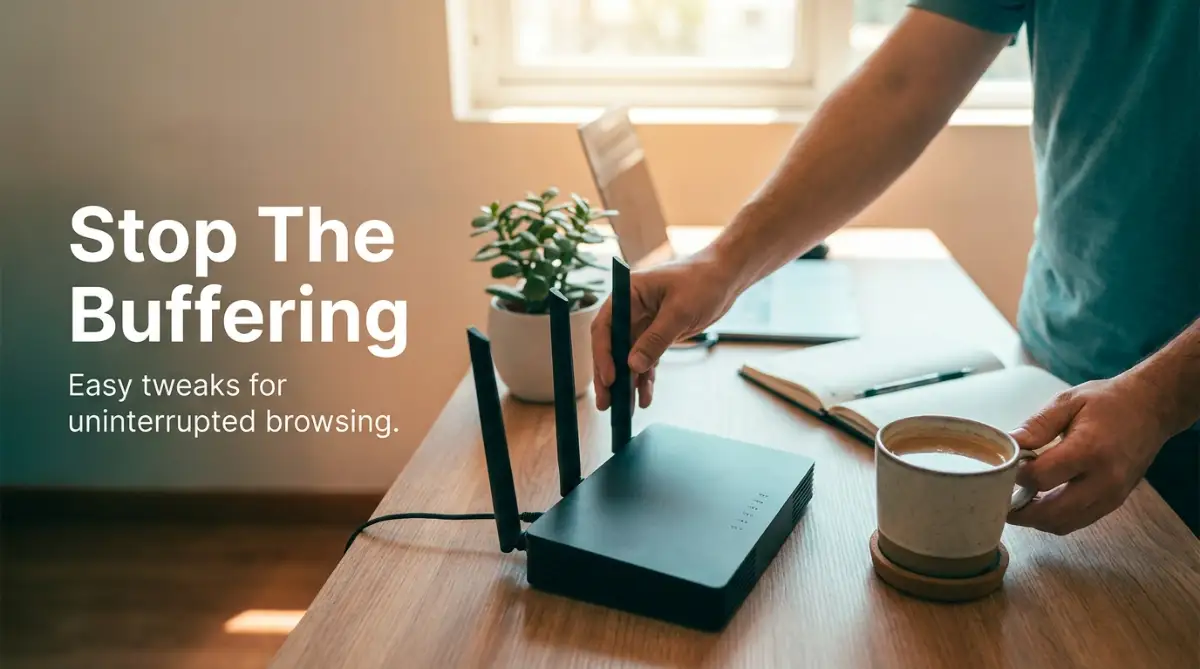
Moving the Box Out of the Shadows
People love to hide their internet equipment because it usually looks like an ugly piece of plastic. We shove it behind the television, toss it under the couch, or lock it inside a metal cabinet. This is the absolute worst thing you can do for your signal strength.
If you want a stable connection, your device needs to breathe and sit out in the open. Placing it on a high shelf in the center of your house is the best approach. The higher you place it, the better those invisible waves can travel downward and across your rooms.
I actually learned this lesson the hard way after dealing with terrible network coverage for months.
My Personal Pro Tip: I used to keep my main router tucked away inside a heavy wooden bookshelf because I hated seeing the messy wires. The day I simply moved it to the top of my living room side table, my random connection drops completely stopped. I highly recommend taking your device out of hiding today.
Avoiding Common Household Interferences
Many people do not realize that normal household appliances secretly fight with wireless signals. Your internet waves travel on specific frequencies, and other machines often use those exact same invisible paths. When too many things try to talk on the same frequency, they crash into each other.
Microwave ovens are notorious for destroying wireless connections. If you notice your network dropping every time someone heats up food in the kitchen, this is exactly what is happening. Baby monitors, wireless security cameras, and even older cordless phones can cause massive invisible traffic jams.
Water is another surprising element that completely swallows radio waves. If you have a large fish tank sitting between your broadcasting device and your computer, your signal is going to suffer heavily. Try to draw an imaginary straight line between your device and your laptop to see if any strange objects are blocking the way.
A Quick Look at Household Signal Blockers
The Highway Analogy: 2.4 GHz vs 5 GHz
Modern home networking equipment usually offers two different invisible paths for your devices to travel on. You will often see these listed as the 2.4 GHz band and the 5 GHz band. Choosing the wrong path for your specific device is a huge reason why connections randomly break.
The 2.4 GHz band is like a slow, bumpy country road that travels very far. It easily passes through thick walls and reaches the far corners of your backyard. However, because it travels so far, all your neighbors are probably using it, causing massive traffic jams and sudden drops.
The 5 GHz band is like a super-fast, multi-lane highway. It gives you incredible speeds and rarely drops, but it is quite short and cannot easily pass through thick walls. If you are sitting in the same room as your equipment, you should always connect to the 5 GHz highway.
Watch This Quick Visual Guide to Network Frequencies:
If you are still confused about which frequency to choose, check out this brilliant visual explanation below that breaks it down perfectly.
Changing Your Local Radio Channel
If you live in a crowded apartment building, your network is constantly fighting with your neighbors' networks. Think of wireless channels like lanes on a highway. If everyone in your building is driving in lane number six, that lane is going to come to a complete stop.
Most internet equipment comes straight out of the box set to "Auto" for choosing a channel. Sadly, this automatic feature is often quite lazy and just picks the most crowded lane anyway. This invisible traffic is exactly what causes your movie to start buffering on a busy Friday night.
You can easily log into your equipment settings through your web browser and manually change the channel. For the 2.4 GHz band, always try to select channel 1, 6, or 11. These specific lanes do not overlap with each other, giving your signal a clean and clear path to travel.
Myth vs Reality: Antenna Adjustments
The Myth: Pointing all the antennas on your device straight towards your computer will give you the strongest connection.
The Reality: Antennas actually broadcast signals outward from their sides, not from their tips. Pointing the tip directly at your laptop actually gives you the weakest possible signal.
If your equipment has multiple antennas sticking out, do not just leave them all pointing straight up. Adjust them in different directions to create a better coverage bubble. Leave one pointing straight up, tilt another sideways, and maybe angle a third one at forty-five degrees.
This weird-looking setup actually allows the radio waves to bounce around the room much more efficiently. It helps the signal reach devices that are lying flat on a desk or standing straight up in your hands. It is a completely free adjustment that takes about ten seconds to do.
Giving Your System a Proper Digital Refresh
We constantly leave our networking machines plugged in for months or even years without a single break. Like any other computer, these boxes have small memories that eventually get full of digital garbage. When their memory gets completely overloaded, the system panics and drops your connection.
A simple restart is often the most powerful fix you can perform. Do not just press the small button on the back of the machine. Unplug the actual power cord from the wall and wait a full sixty seconds before plugging it back in.
This full minute of no power allows all the tiny electrical components inside to completely discharge. It clears out the stuffed memory and forces the machine to find fresh connections when it wakes back up. You should make a habit of doing this at least once every single month.
Updating the Hidden Software
Your networking equipment runs on a hidden operating system known as firmware. Manufacturers regularly release new versions of this software to fix known bugs and patch security holes. If you never update this software, your machine is running on outdated instructions.
Old firmware often struggles to communicate with modern smartphones and newly updated laptops. This miscommunication leads to sudden drops because the devices simply stop understanding each other. Updating the system can instantly stabilize a completely chaotic network.
To check for these updates, you will need to log into your administrator dashboard using a web browser. There is usually an "Advanced Settings" or "Administration" tab where the update button hides. Just remember to never turn off the power while the new software is installing, or you might permanently break the machine.
Prioritizing Your Most Important Tasks
If you live in a house with multiple people, your internet box gets easily confused about who needs the most speed. Someone downloading a massive video game in the bedroom can completely ruin your video meeting in the office. The machine simply tries to give everyone equal power, which usually fails.
Look inside your settings for something called "Quality of Service" or QoS. This brilliant feature lets you tell the machine exactly which devices or activities are the most important. You can easily set your work laptop to always get the first slice of the internet pie.
When you turn this feature on, the system will actively prevent background downloads from ruining your real-time video calls. It acts like an invisible traffic cop, holding back the heavy trucks so your fast sports car can get through. This tiny adjustment can completely change how your entire family experiences the web.
Adjusting the Invisible DNS Settings
When you type a website name into your browser, your computer uses a directory to find the actual address. This directory is called the Domain Name System, or DNS. Your internet provider usually forces you to use their specific directory, which is often very slow and unstable.
If their directory servers go down or get overloaded, your computer suddenly cannot load any webpages, even if your Wi-Fi is technically still connected. This makes it look like your network dropped, but it is actually just a failed directory lookup. Changing this setting can give you a massive boost in reliability.
You can easily switch your directory to a free, public option provided by massive tech companies. These public directories are incredibly robust and almost never crash. Making this small change in your network settings ensures that your requests are always answered instantly without those annoying timeout errors.
Pro-Level Network Tweaks for a Bulletproof Connection
We often assume that manually restarting our internet equipment is the only trick we have available. However, if you look under the hood of your network administration settings, you will find some incredibly powerful options. These are the exact adjustments network professionals use to keep massive office buildings securely online.
You do not need an advanced computer science degree to make these changes. Most modern administrative panels are highly visual and designed for everyday users to navigate easily. Taking just ten minutes to explore these hidden menus can completely transform your daily browsing experience.
Let us talk about a concept known as Wi-Fi channel width. Inside your broadcasting settings, you will notice an option to set the width to 20MHz, 40MHz, or sometimes even 80MHz. You can think of these numbers like lanes on a massive highway.
Setting your network to an 80MHz width is like opening a massive four-lane superhighway for your data. Your movies will download incredibly fast when you have all this extra room to move. However, wider lanes also easily pick up invisible garbage and interference from your neighbors' equipment.
If you live in a heavily crowded apartment building, choosing the widest channel is actually a terrible idea. Forcing your equipment to use a narrow 20MHz lane creates a slow but highly stable and protected path. This tiny adjustment alone is often the secret to stopping random video call drops during peak evening hours.
Another highly effective strategy involves managing how your equipment hands out digital identity cards. Every single time your smart television or gaming console connects, the router assigns it a temporary IP address. When that temporary lease naturally expires, your movie stream might suddenly freeze while the devices negotiate a brand new number.
You can completely stop this annoying negotiation process by assigning a Static IP address to your heavy-duty entertainment machines. You just need to find the settings menu for IP reservations and lock in a permanent number for your television. Think of this li